

Use case
The app is not an add-on to the website
Many teams have WordPress or a PaaS for the web and, next to it, Xcode, Play Console and a backend on another host. The Application Platform puts frontend, backend and store release in one project. The same pipeline knows test, build and upload.
- Flutter, Expo or native iOS/Android in the same project as the backend
- CI builds, signs and uploads once the stores are connected
- Pipeline Macs for iOS builds that no longer succeed on anyone’s laptop
Start for free. No credit card required.
-
App StoreApple releases with prepared metadata and assets.
-
Google PlayPlay Store listings populated automatically.


Powered by Fastlane

In short
An app without a backend is rare. The platform treats both as one deliverable.
- A website alone stays WordPress or a homepage stack.
- App plus API belongs in a platform project, or signing, secrets and release drift.
- Store uploads are part of the pipeline, not a manual console account.
- macOS workspaces for iOS builds are coming soon – Ubuntu workspaces for the rest are here.
App and backend together or on separate services
Separate services work until credentials, versions and rollbacks stop lining up.
Shared project
With the Application Platform: Frontend, backend and homepage as repos of one project
Website CMS + separate app setup: CMS, API host and Xcode project with no common source
API and secrets
With the Application Platform: Credentials in the platform, Dev/Prod environments
Website CMS + separate app setup: wp-config, .env on the host, more in Xcode
iOS and Android build
With the Application Platform: Pipeline and signing in the platform
Website CMS + separate app setup: Local machines or a third CI service
Store metadata
With the Application Platform: Copy, screenshots, changelogs in the platform or repo
Website CMS + separate app setup: By hand in App Store Connect and Play Console
Couple the release
With the Application Platform: Backend deploy and store version as traceable releases
Website CMS + separate app setup: Website live, app two weeks later, API in between
Team without a local toolchain
With the Application Platform: Cloud workspaces (Ubuntu now, macOS later)
Website CMS + separate app setup: Every laptop with Android Studio and certificates
macOS workspaces are not yet creatable for users. iOS signing and store uploads run through the project pipeline, not a user workspace.
As of 4 September 2026. This comparison describes typical workflows and can differ from project to project.
What drops away besides the store form
The console stays the store. Preparation should not happen there.
One CI for app and API
Test and build for backend and clients without keeping two runner worlds.
Signing lives in the project
Keystore and Apple credentials belong to the project, not one person’s laptop.
Whitelabel possible
Several store listings from one codebase when brands share the app.
Server for the API
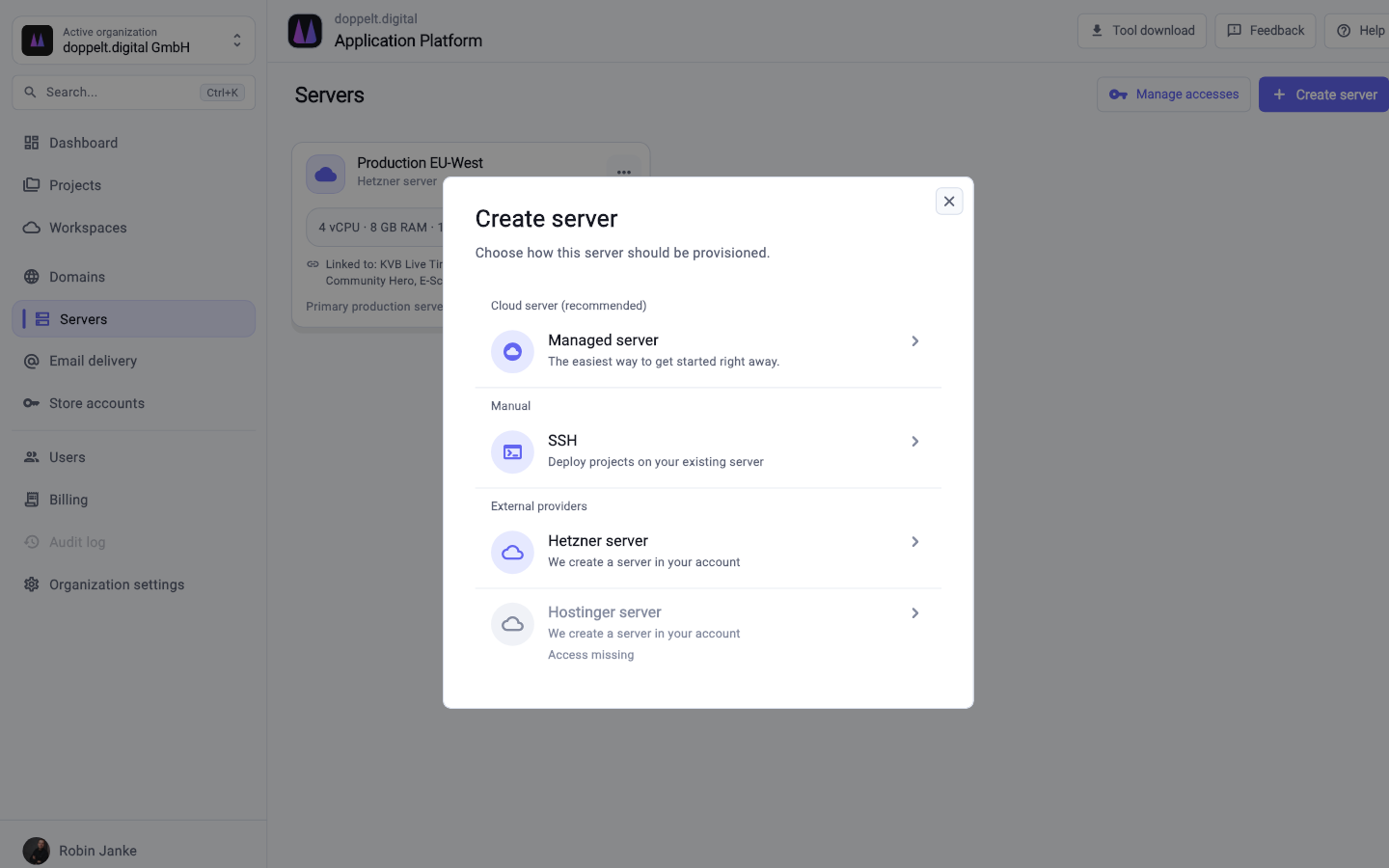
The same organisation runs the server the app talks to.
How the app joins the project
If a website already exists, it can stay. The app does not move into the CMS.
-
Project with an app stack
Create Flutter, Expo or native clients, add a backend. Import existing code instead of building a WebView in WordPress.
-
Connect the stores
Accounts, signing, metadata. The pipeline handles store uploads so you do not rewrite them in every repo.
-
API on the server
Managed or your own server. Do not hard-code secrets in the app.
-
Couple the release
Backend first, or deliberately together. Store review still takes time – the pipeline does the upload, not the waiting.
Frequently asked questions
Can I keep the website in WordPress and only build the app here?
Technically yes, organisationally messy: two worlds for secrets and releases. The useful end state is the website as a homepage stack in the same project, or a conscious interim on the way there.
Do you support native iOS builds without a Mac on site?
Store pipelines and signing are part of the platform. You cannot create macOS cloud workspaces yourself yet – those come next. Ubuntu workspaces are available. iOS builds in the pipeline run on the platform's macOS machines.
What about Expo and Flutter?
Both are intended as frontend stacks, including the usual store paths. Exact coverage is in the docs and project templates.
Does this replace App Store Connect?
No. Review, contracts and tax stay with Apple and Google. The platform fills and uploads; it does not decide the review.
Put app and API in the same project
Create the project with frontend and backend. Stores join once signing and metadata are there – not as a second product.
Start for free. No credit card required.