From template to release
A project begins with structure, conventions and a working pipeline, so the first deploy does not wait on someone learning YAML.

For startups
In a small team every week counts. If developers first have to build pipelines, servers and store access, the launch moves out. The platform brings that foundation with it so you can stay on the product.
Start for free. No credit card required.
Startups rarely fail on infrastructure, but they lose a lot of time to it.
This lines up the tasks a young team faces between prototype and first real release.
| Task | With the Application Platform | Without a platform |
|---|---|---|
| Project setup | Fully covered: Repository, project structure, CI/CD pipeline, server connection, domain and SSL come out of the wizard | Not offered: The first weeks go into fundamentals rather than product |
| Web and mobile at once | Fully covered: One project holds frontend, backend and mobile apps built from prepared templates | Partly covered: Separate setups per platform, each with its own pipeline |
| DevOps knowledge on the team | Fully covered: Server baseline, databases, reverse proxy, SSL, firewall and backups are handled by the platform | Not offered: One developer becomes the part-time infrastructure owner |
| Deployment | Fully covered: Every merge runs through the same GitLab CI pipeline for test, build and release | Partly covered: Deployments depend on scripts and on whoever wrote them |
| Store releases | Fully covered: App Store, Play Store and Microsoft Store including metadata, screenshots and versions via Fastlane | Not offered: Signing and store forms cost a day per release |
| Seeing production errors | Fully covered: Error tracking with Sentry is configured, with stack trace, release and context | Not offered: Users report bugs before the team notices them |
| Onboarding developers | Fully covered: Remote workspaces with VS Code, JetBrains, RDP or VNC start ready to use | Not offered: A day or two of machine setup, usually with loose ends |
| Due diligence | Fully covered: GitOps configuration, audit log, roles and access rights are in place and documented | Partly covered: Details about operations and access get reconstructed for the data room |
| Growing into it | Fully covered: Extra environments, users, workspaces and CI minutes come as add-ons | Partly covered: A setup built for two people stops working at ten |
| Provider dependency | Fully covered: Repositories, pipeline configuration and servers are yours, with full code ownership | Partly covered: Scattered services that each have to be replaced separately |
Green means covered, amber partly, grey missing. The right-hand column is not a competitor but the usual state of things without an end-to-end platform.
As of 10 August 2026. This comparison describes typical workflows and can differ from project to project.
Six things that matter between prototype and Series A.
A project begins with structure, conventions and a working pipeline, so the first deploy does not wait on someone learning YAML.
Frontend, backend and mobile apps belong to the same project, and a feature moves through the same build and release stages everywhere.
Docker, databases, reverse proxy, SSL, firewall and backups are set up by the platform, on a managed server or on your own machine.
The MCP server, the ap CLI and the VS Code plugin connect Cursor, Claude Code or Codex to a project with defined conventions.
Pipeline for Customer App
The path is the same whether you are building a web app or a mobile one.
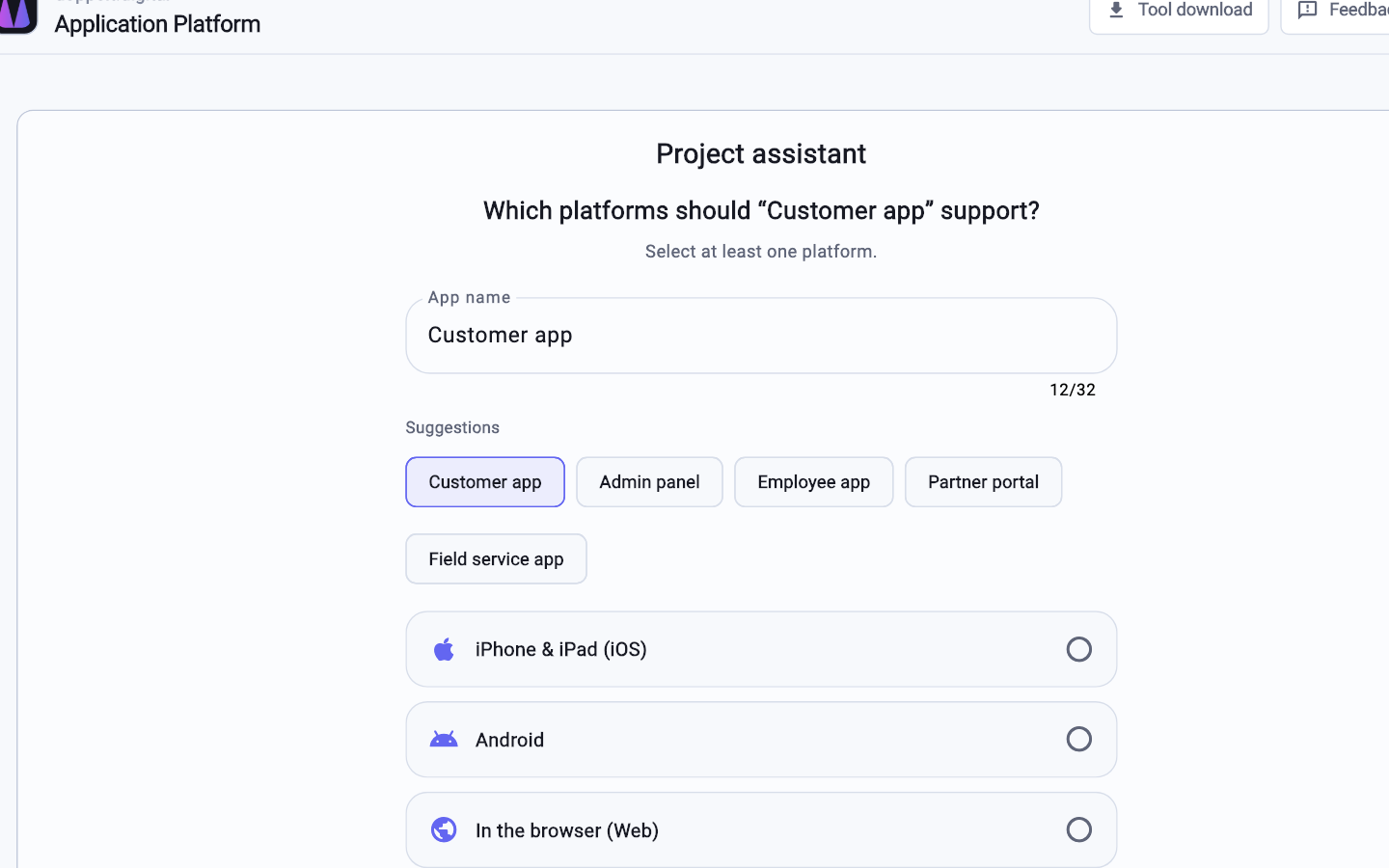
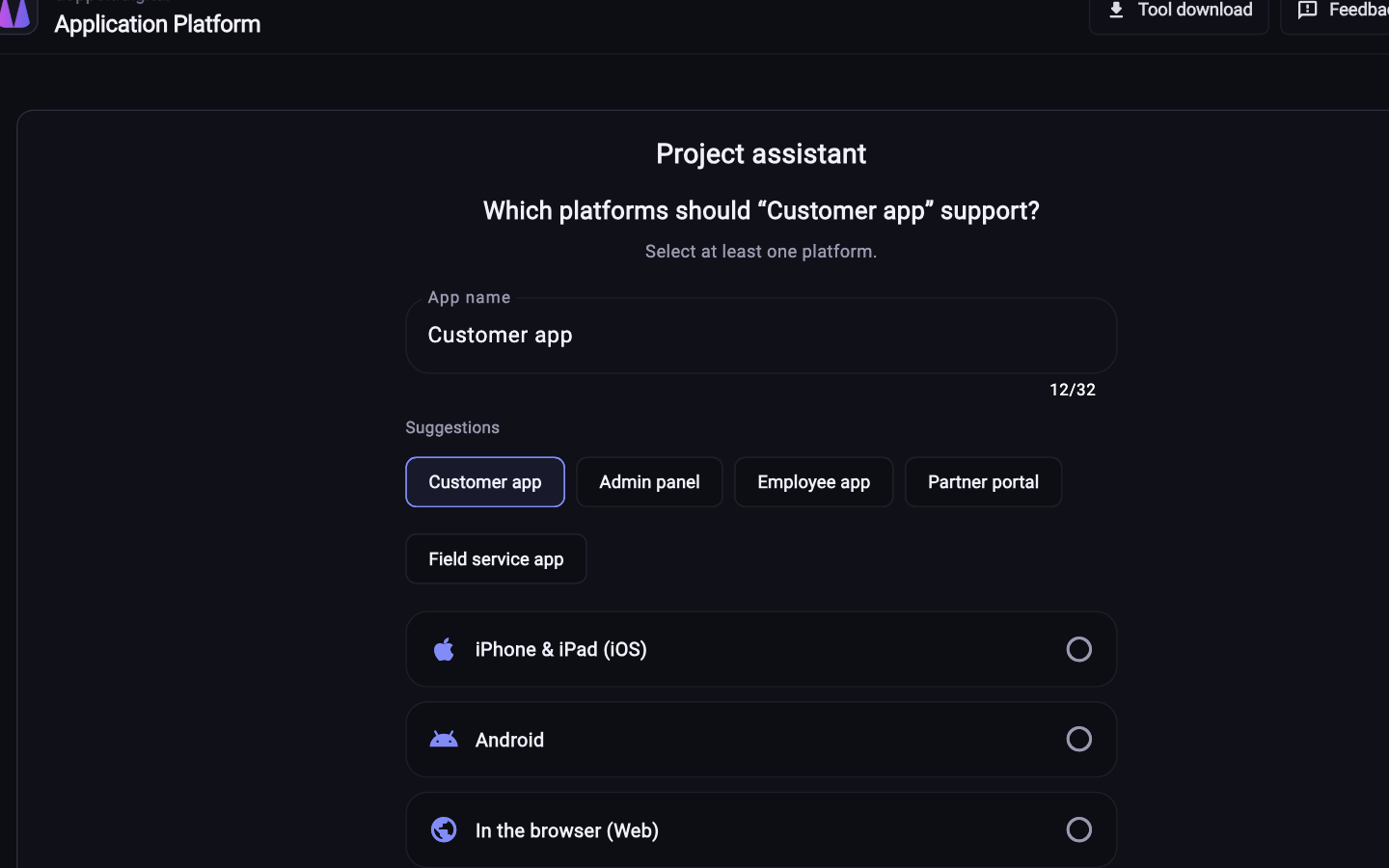
Pick name, platforms and stack in the wizard. Repository, project structure and CI/CD pipeline are created along with it.
Use a managed server or attach your own over SSH. Docker, databases, reverse proxy, SSL, firewall and backups get configured.
Work locally with the Platform App or in a cloud workspace. macOS machines are available for iOS builds.
The pipeline handles build, versioning and deployment. Mobile releases go to the stores with metadata and screenshots.
No, that is the case the platform is built for. The server baseline, reverse proxy, SSL, firewall and backups are configured automatically, and the pipeline exists from project creation as a readable file in the repository.
Yes. A project can contain frontend, backend and mobile apps: Next.js, Astro or Hugo for web, NestJS, Laravel or FastAPI for backend, Flutter or native projects for mobile. Publishing to Apple, Google and Microsoft stores is part of the same flow.
The code is entirely yours. Repositories live in GitLab, the CI configuration is a readable file, and your servers stay your servers. If you move on, you take the code, pipeline definition and infrastructure with you. There is no proprietary runtime.
Register for free, create a project and see how far you get without touching infrastructure.
Start for free. No credit card required.