Production-ready template
The Laravel template brings structure, conventions and a working setup. A whitelabel variant exists for products shipping under several brands.

Technology
Laravel gives you almost everything except the server. Database, migrations, queue workers, scheduled jobs and .env handling stay your job. The platform sets that up when the project is created.
Start for free. No credit card required.
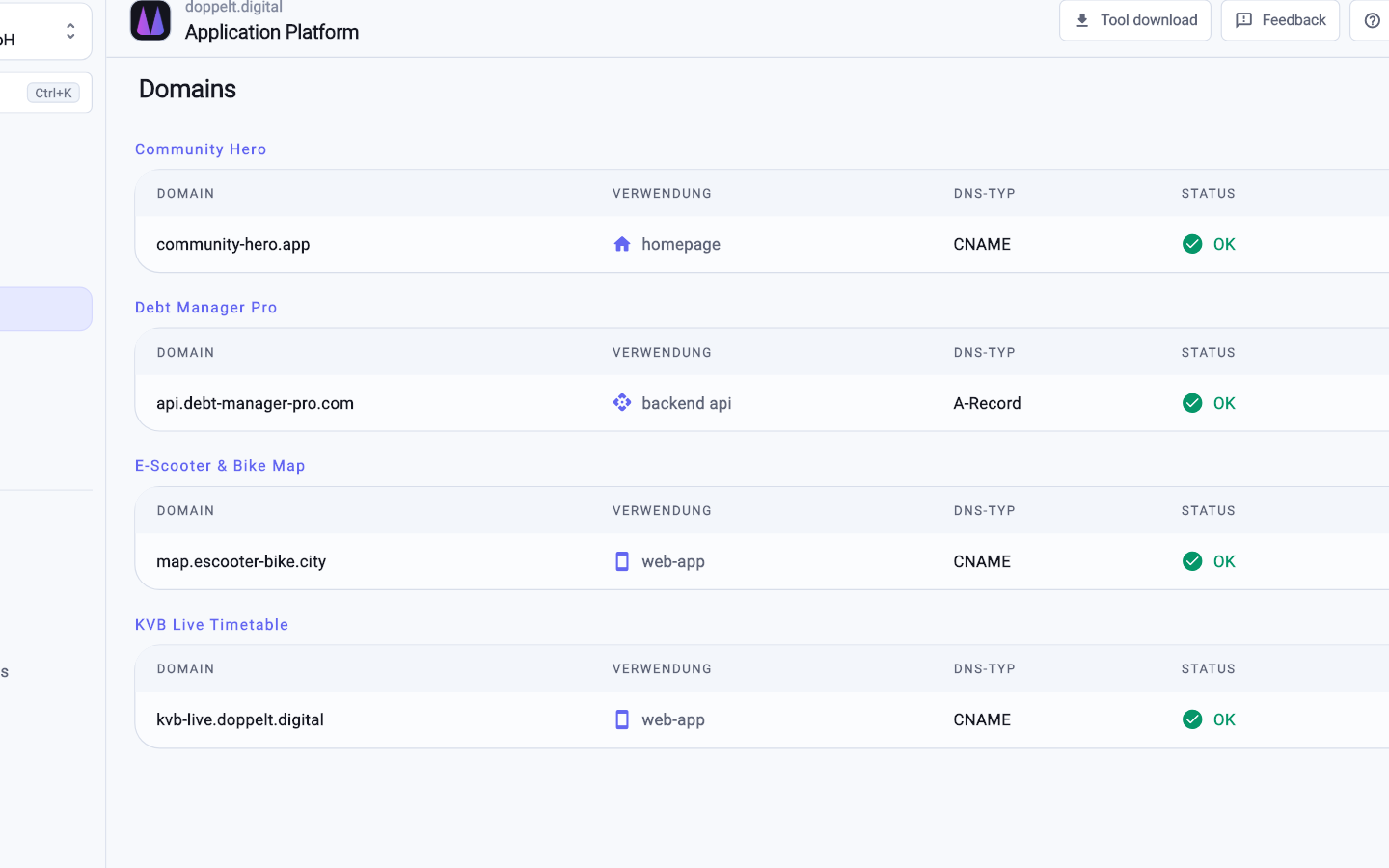
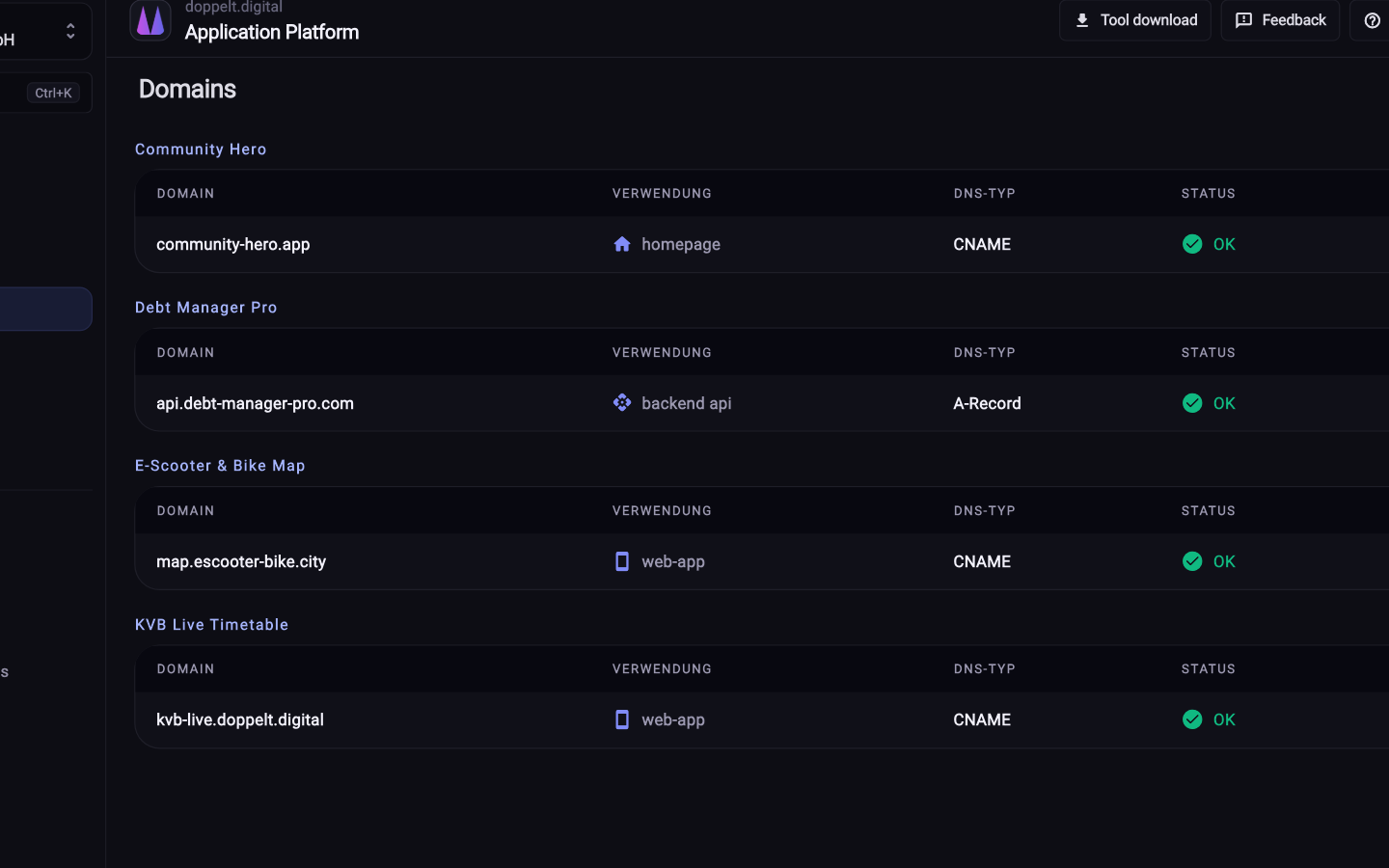
Running Laravel yourself mostly means maintaining a server environment. The platform takes that part over while leaving the access with you.
A look at the work a hand-built Laravel environment involves and how much of it the platform absorbs.
| Task | With the Application Platform | Set up yourself |
|---|---|---|
| Project structure and repository | Fully covered: Generated from a production-ready Laravel template with settled conventions | Not offered: Create the repository, define the structure, agree conventions in the team |
| PHP runtime and dependencies | Fully covered: Run inside a container, identical in CI and on the server | Not offered: Keep PHP version, extensions and Composer aligned on every machine |
| Database | Fully covered: MySQL is provisioned as part of the server setup, backups included | Not offered: Install and harden the database, create users, plan the backups |
| Migrations on release | Fully covered: Run as a pipeline step configured in the repository | Partly covered: Run by hand or through home-grown deployment scripts |
| Queue workers and scheduled jobs | Fully covered: Run as container services on the prepared server next to the web process | Partly covered: Look after process supervision, restarts and crontab entries yourself |
| Configuration and secrets | Fully covered: Environment variables and credentials centrally in the project, separated per environment | Not offered: .env files on servers, usually without history or backup |
| Publishing Composer packages | Fully covered: Your own Composer packages are built in CI and published within the project | Partly covered: Run a package repository yourself or fall back to public registries |
| Inspecting the database | Fully covered: phpMyAdmin is available in the remote workspace | Partly covered: Install an extra tool and secure access to it |
| Errors in production | Fully covered: Sentry is fully configured, errors arrive with stack trace, release and context | Partly covered: Search through log files or integrate error tracking yourself |
| Traceability of environments | Fully covered: Environments and deployments live as configuration in the Git history | Not offered: Server state grows over years and is rarely documented |
Green means fully covered, amber partly, grey still on you. Building it yourself is entirely possible, it just keeps asking for attention.
As of 10 August 2026. This comparison describes typical workflows and can differ from project to project.
The parts a PHP backend needs once it leaves your laptop.
The Laravel template brings structure, conventions and a working setup. A whitelabel variant exists for products shipping under several brands.
MySQL, reverse proxy, SSL, firewall and backups are configured during server setup, on your own machines as well as managed ones.
Test, build, publish and release run through GitLab CI, and migrations are a regular pipeline step rather than a manual chore.
Your own Composer packages get built and published by the pipeline, as do Docker images and packages from other ecosystems.
 Docker
 Databases
 Reverse proxy
 SSL
SSL
 Backups
 Firewall
 Kubernetes
 Monitoring
Four steps from creating the project to your first release.
Attach your own machine over SSH or use a managed server. Docker, database, reverse proxy, SSL, firewall and backups get configured.
Pick Laravel in the wizard. Repository, project structure and CI/CD pipeline are created alongside the project.
Move your existing application in and store the values from your .env as environment variables in the project.
A push starts the pipeline. Build, release and migrations run in the same order for this and every later deployment.
The templates work with MySQL, provisioned as part of the server setup. Credentials live centrally in the project and are handed to the application. Backups belong to the baseline, and phpMyAdmin is available in the remote workspace.
Migrations are a step in the pipeline, so every release runs them the same way. Because the configuration is readable in the repository, you can reorder it, for instance for a maintenance window. Logging in over SSH afterwards is no longer needed.
Yes. You attach it over SSH and the platform configures Docker, database, reverse proxy, SSL, firewall and backups. Access stays with you. A managed server also takes maintenance off your hands. Kubernetes and monitoring aren't available yet.
Register for free, pick Laravel as your stack and see how much server work simply disappears.
Start for free. No credit card required.