Servers instead of a black box
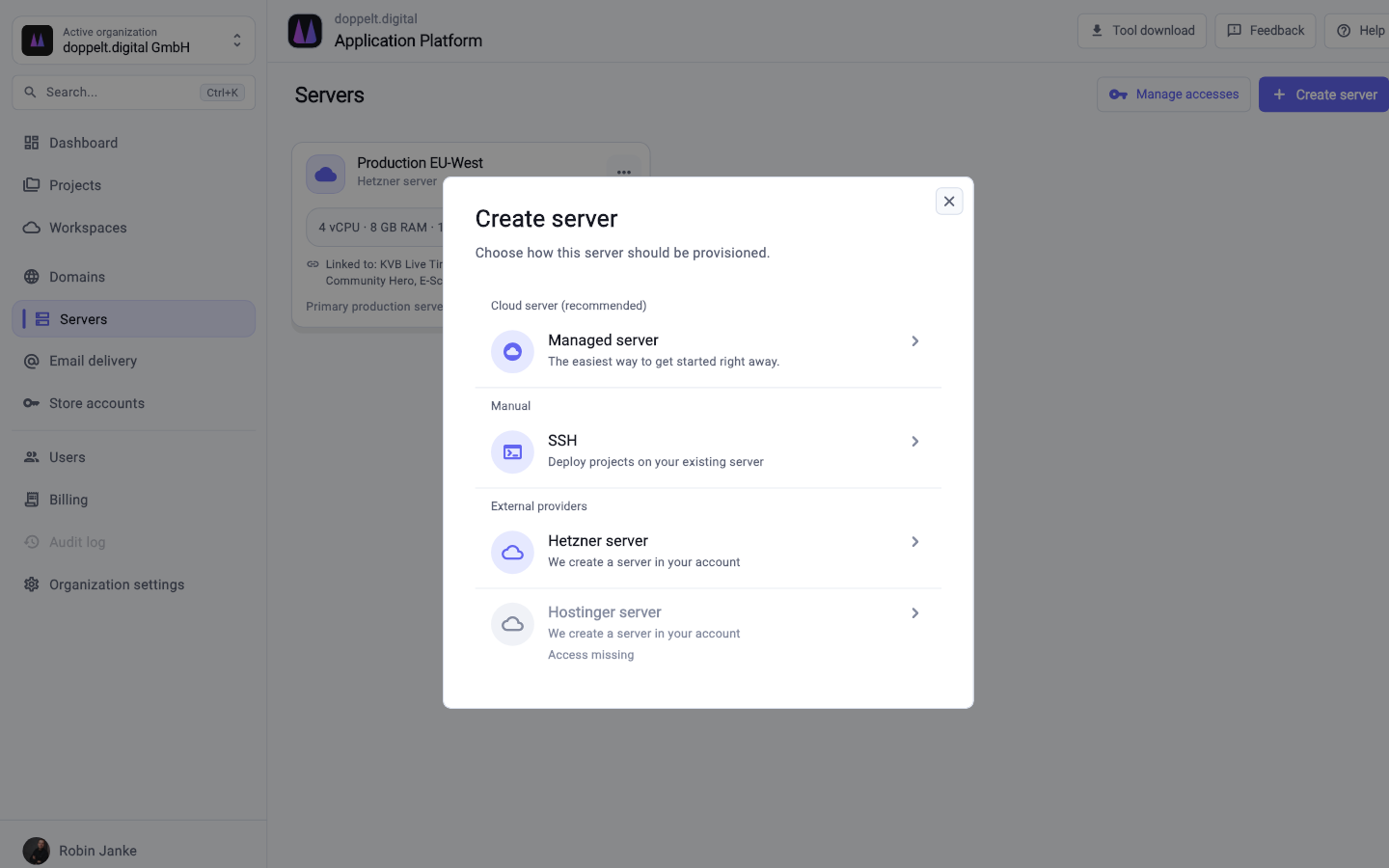
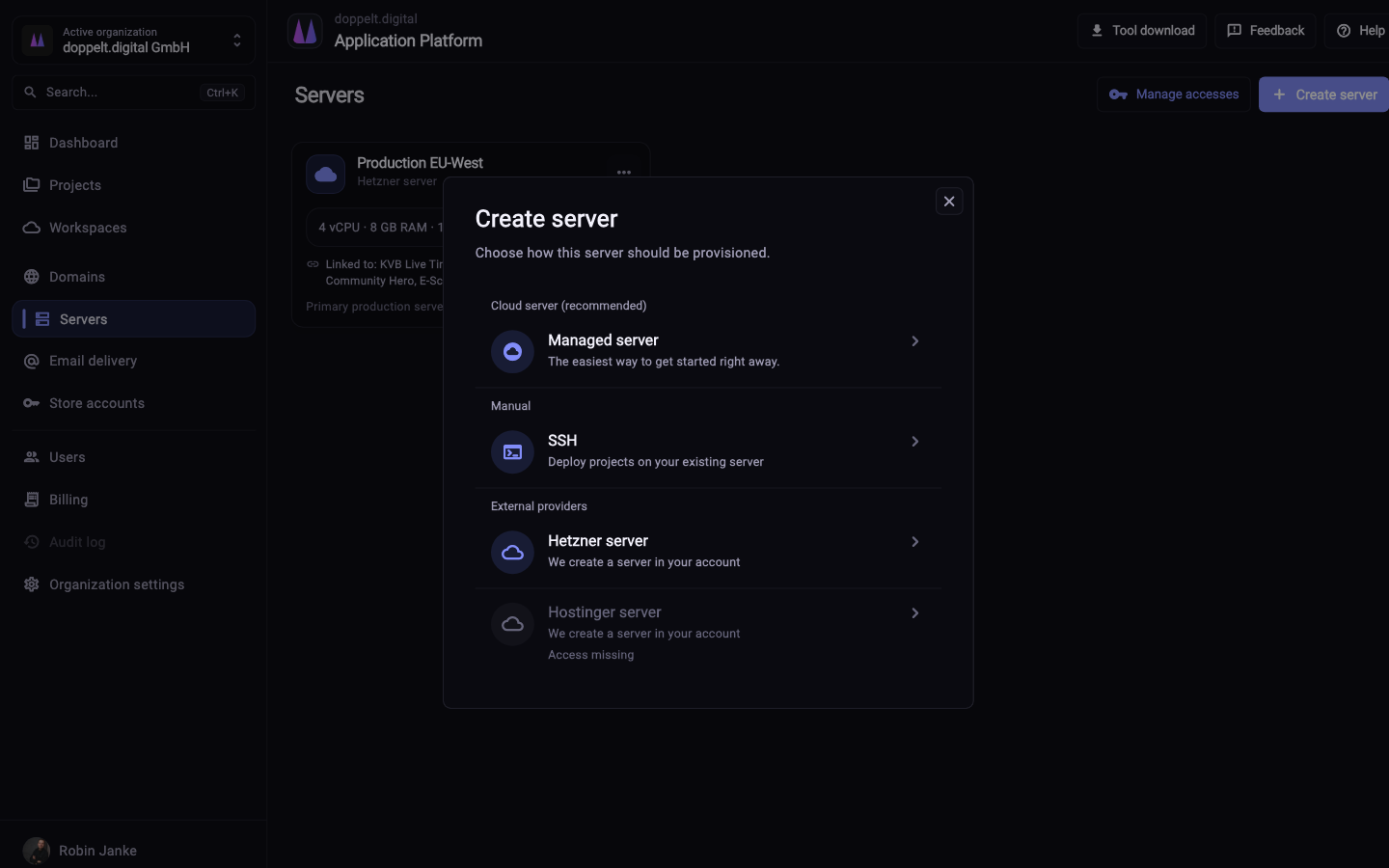
Docker, databases, reverse proxy, SSL, firewall and backups get configured on your server – and you keep access to it.

Comparison
Heroku showed how simple deployment can be. When costs climb with load, or servers and mobile apps join the product, the Application Platform sets up the whole chain – with access to the machines.
Start for free. No credit card required.
Both platforms take operational work off your hands, but at different points and with different amounts of control left to you.
This reflects the typical scope of both platforms. Details change over time, so check the current information from each provider when it matters.
| Criterion | Application Platform | Heroku |
|---|---|---|
| Deploying a web application | Fully covered: A prepared GitLab CI pipeline per project | Fully covered: Very simple, a push triggers build and release |
| Language and framework coverage | Fully covered: Templates for Next.js, NestJS, Laravel, FastAPI, Astro and Hugo | Fully covered: Broad buildpack support across many languages |
| Marketplace for managed extras | Partly covered: No add-on marketplace, extra services run inside your own project | Fully covered: Large add-on marketplace for databases, queues and logging |
| Use your own servers | Fully covered: Your own server over SSH or a managed server from the platform | Not offered: Not supported, execution happens in dynos |
| Server baseline | Fully covered: Docker, databases, reverse proxy, SSL, firewall and backups are set up for you | Partly covered: Fully abstracted away, no access to the machine |
| How costs develop as you grow | Fully covered: Platform plus your own servers, which keeps the curve predictable | Partly covered: Priced per dyno and add-on, rising with instances and load |
| Free tier for trying things out | Fully covered: Register for free and create a first project | Not offered: No free tier available any more |
| Building mobile apps | Fully covered: Flutter, Expo and native iOS and Android projects including build environments | Not offered: Not part of the product |
| Publishing to App Store and Play Store | Fully covered: Metadata, screenshots and versions through Fastlane from inside the platform | Not offered: Not part of the product |
| Remote development environments | Fully covered: Cloud workspaces with VS Code, JetBrains, RDP and VNC, including macOS for iOS builds | Not offered: Not part of the product |
| Where processing happens | Fully covered: Operated in the EU with a data processing agreement, servers freely selectable | Partly covered: US provider owned by Salesforce, regions selectable |
Green means fully covered, amber partly, grey not offered. Heroku remains extremely comfortable for deployment – the difference lies in control, cost behaviour and reach beyond the web.
As of 10 August 2026. This comparison describes typical workflows and can differ from project to project.
The topics that remain once application deployment itself is solved.
Docker, databases, reverse proxy, SSL, firewall and backups get configured on your server – and you keep access to it.
Bring your own server over SSH or book a managed one. Which provider you use stays your decision.
Test, build, publish and release live as GitLab CI configuration in your repository and can be adapted directly.
Processing and hosting in Europe, with a data processing agreement and full ownership of your code.
 Docker
 Databases
 Reverse proxy
 SSL
SSL
 Backups
 Firewall
 Kubernetes
 Monitoring
The migration follows what you already have: a repository, an application and a database.
Attach your own server over SSH or book a managed one. Docker, databases, reverse proxy, SSL, firewall and backups get configured.
Set up your project in the wizard and pick the stack. The GitLab repository, project structure and CI/CD pipeline are created along with it.
What lives as config vars on Heroku goes into the project’s credential management and is handed to individual environments from there.
Load a dump into the prepared database, verify the application on a staging environment, then point the DNS record over.
Mostly cost and control: without a free tier, the bill grows with each dyno and add-on, and the machine itself stays out of reach. For teams in Europe, Heroku being a US provider inside Salesforce also matters.
In most cases yes, if it can run in a container. The platform deploys via Docker, so your code stays the same. What you replace is anything tied to Heroku: buildpacks become a Dockerfile, config vars become secrets, add-ons become your own services.
No. With a managed server the platform handles setup and maintenance. Connect your own server, and it configures Docker, reverse proxy, SSL, firewall and backups; daily operation stays with you. Kubernetes and monitoring are announced, not yet live.
Register for free, create a project and check how far the setup gets without any groundwork from you.
Start for free. No credit card required.