The server stays yours
You keep SSH access and your contract with the provider. The platform configures the machine, it does not take it over.

Solution
Ordering a server takes minutes. Then comes Docker, a database, reverse proxy, SSL, firewall and backups. The Application Platform handles that part as soon as you connect over SSH.
Start for free. No credit card required.
 Docker
 Databases
 Reverse proxy
 SSL
SSL
 Backups
 Firewall
 Kubernetes
 Monitoring
You keep your server and your contract with the provider. The platform handles the setup and the link to your pipeline.
This lays out the work that sits between an ordered server and a working deployment.
| Criterion | With the Application Platform | Setting the server up yourself |
|---|---|---|
| Server baseline | Fully covered: Docker, databases, reverse proxy, SSL, firewall and backups are configured | Not offered: Every step individually, usually from a personal checklist or notes |
| Attaching deployments | Fully covered: The server is connected to the project’s GitLab CI pipeline | Partly covered: Build and maintain your own script or deployment tool |
| Certificates and renewal | Fully covered: SSL is part of the setup, domains are managed in the project | Partly covered: Expiring certificates often surface only through an error message |
| Backups | Fully covered: Created as part of the setup | Partly covered: Usually deferred and rarely tested |
| Credentials and environment variables | Fully covered: Managed centrally in the project, with permissions per role | Not offered: Spread across files on the server and local notes |
| Traceable environments | Fully covered: Environments and deployments live as configuration in the Git history | Not offered: State lives in the machine rather than in a repository |
| Adding a second server | Fully covered: The same flow, regardless of how many servers or which provider | Not offered: Repeating the manual work, with small unexplained differences |
| Separating environments | Fully covered: Staging and production as distinct environments in the project | Partly covered: Often one server for everything, because a second means more work |
| Team access control | Fully covered: Roles and project membership govern who reaches the server | Not offered: SSH keys get handed out and rarely removed again |
| Full control of the machine | Fully covered: SSH access stays with you, you can always intervene yourself | Fully covered: Equally complete, with nothing imposed from outside |
Green means covered, amber partly, grey not available. The right column describes no vendor but the usual manual work on a freshly ordered server.
As of 10 August 2026. This comparison describes typical workflows and can differ from project to project.
Six points that separate an empty machine from a working environment.
You keep SSH access and your contract with the provider. The platform configures the machine, it does not take it over.
Docker, databases, reverse proxy, SSL, firewall and backups appear automatically instead of from last project’s notes.
The server hangs off the GitLab CI pipeline. Test, build, publish and release all follow the same path.
The same flow works with other hosts and with managed servers from the platform.
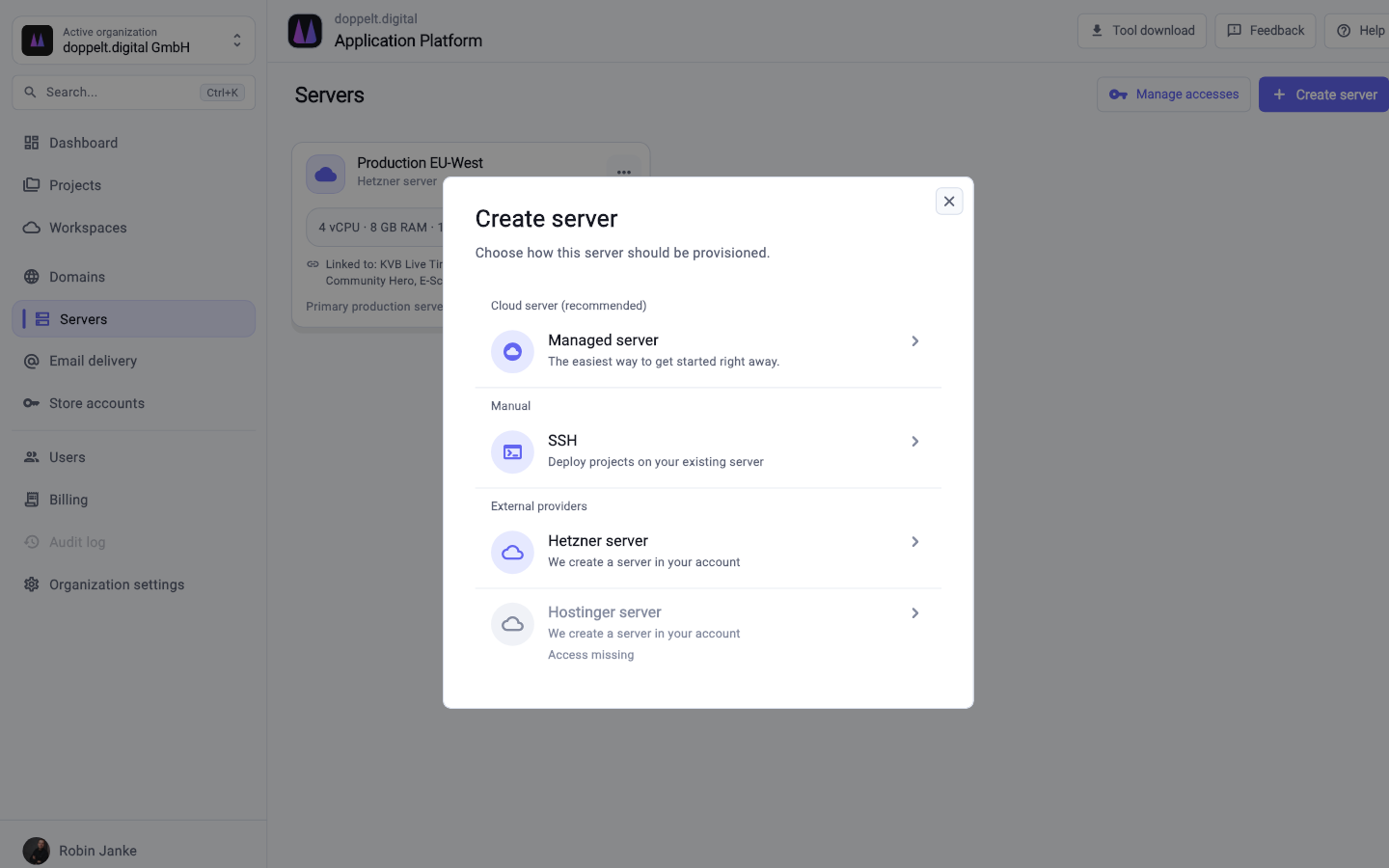
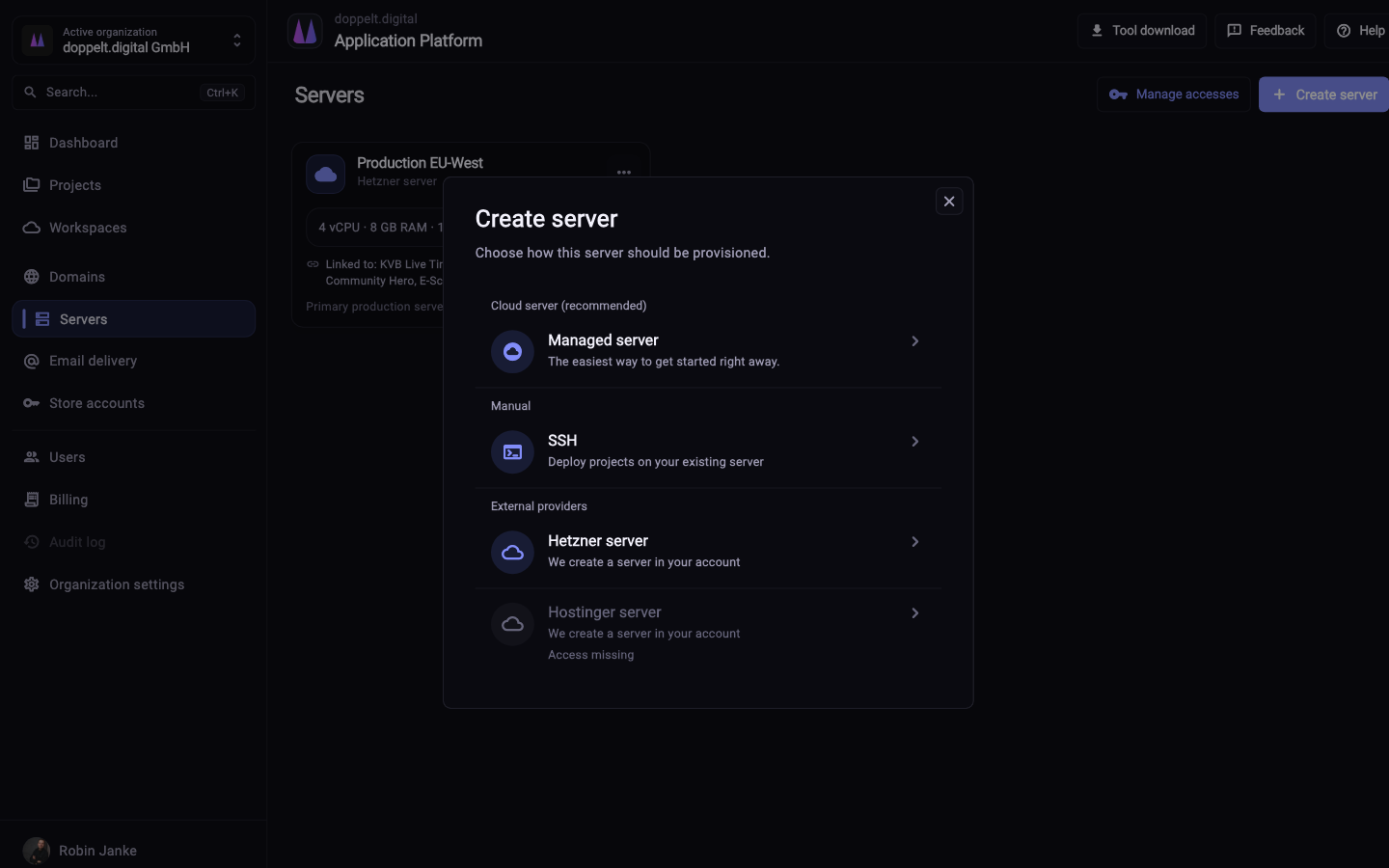
Four steps from an ordered machine to a first deployment.
Create the server at your provider. All the connection needs is reachable SSH access.
Add the server in the platform’s server section. The platform validates the access and starts configuring.
Docker, databases, reverse proxy, SSL, firewall and backups get set up and prepared for deployments.
Select the server when creating or editing a project. From then on the pipeline deploys there.
Yes, the documentation includes a Hetzner tutorial covering each step to a fully configured server. Other providers follow a comparable flow over SSH. If you would rather not manage a server, the same documentation describes managed servers.
No. Hetzner is an independent company with no business relationship to the platform. The connection relies on ordinary SSH access, just like with any other host. Your contract, billing and availability stay between you and your provider.
Technically yes, but proceed carefully. The platform establishes a defined baseline, which can conflict with existing ports, proxy configuration or services. A fresh machine is the simpler start for a clean setup.
Register for free, add a server over SSH and see how far the setup gets without any input from you.
Start for free. No credit card required.